
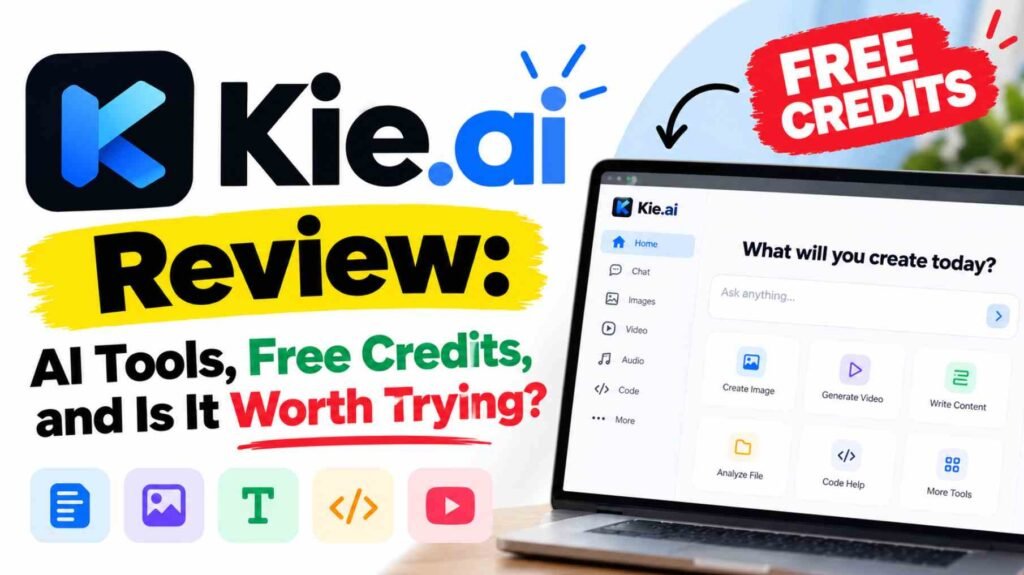
Kie.ai brings AI image, video, music, speech, and language models into one platform. Its main appeal is convenience: you can explore different models through a website playground or connect them to your own application through an API.
This Kie.ai review examines its official website and documentation. It is a review of its published features and terms, rather than a hands-on assessment of generation quality.
Website Link – https://kie.ai/
What Is Kie.ai?
Kie.ai is primarily an AI API platform with a browser-based testing interface. Its documentation describes a unified API and a shared credit balance across models. That can simplify billing and experimentation when you need several types of AI tools.
The distinction between its two ways of working is straightforward:
- Playground: Enter prompts and adjust supported settings through the website.
- API: Let your software send requests and receive results automatically.
Beginners can start with the playground. Developers can use the API to add generation features to websites, apps, or automated workflows.
Main Features and Available Models
The official marketplace covers several creative and technical tasks:
- Image generation and editing: Listed options include GPT Image 2, Nano Banana 2, and Flux 3, with text-to-image or image-to-image capabilities.
- Video generation: Veo 3.1 and Seedance 2.5 are among the listed options for creating video from supported inputs.
- Music: The Suno API listing describes vocal and instrumental track generation.
- Chat and language tasks: The catalogue includes models such as Claude Sonnet 5.5 and GPT 6.1 Sol.
- Speech and audio: Marketplace categories include text-to-speech, speech-to-text, and audio-to-audio.
Kie.ai also lists ElevenLabs speech tools, including Multilingual v2, Text-to-Dialogue v3, and audio isolation. Speech generation turns text into spoken audio; transcription works in the opposite direction. Check the individual model page for supported languages, inputs, and charges.
For developers, the API documentation explains authentication, request parameters, task tracking, and result retrieval. Access to a model does not mean every feature is available through every interface.
Free Tools and Free Credits
Kie.ai currently advertises 80 free credits for new users. Its homepage presents these as testing credits and describes a playground where users can experiment before integrating an API. Treat this as an account-based, limited trial—not unlimited free generation. Check your balance after registration and confirm the offer before relying on it.
What can you try?
- Supported playground generations: Use the introductory balance to test eligible models. The number of results depends on each task’s credit cost.
- Speech generation: Kie.ai’s text-to-speech page advertises free testing credits for sample audio. It does not establish a separate, additional allowance, so do not assume this is another credit bonus.
- Public browsing: You can read the marketplace, pricing, and documentation without purchasing credits. Browsing a listing does not make its generation tool free.
The allowance may not cover every model. Kie.ai’s own Seedance 2.5 pricing article says its shortest specified generation exceeds the 80-credit introductory balance. Free-credit availability and terms may change; a trial should help you evaluate the service, not be treated as an ongoing production budget.
How to Use Kie.ai: Step by Step
Here is a practical starting workflow. Exact controls differ between models.
- Open Kie.ai.
- Create an account or sign in when prompted, then check your available credits.
- Visit the marketplace and choose a category matching your task.
- Select a model and open its playground where available.
- Enter a clear prompt or upload the required input. For example: “A ceramic coffee mug on a wooden table, soft window light, neutral background.”
- Adjust supported settings, such as aspect ratio, resolution, or video duration.
- Check the generation cost and any input restrictions before submitting.
- Start generation and wait for the task to finish.
- Preview and download the result if the interface provides those controls.
- Review the pricing page before making regular use of the service.
Start with one modest test and change one setting at a time. This makes it easier to judge whether a more expensive option actually helps.
The getting-started guide also explains task logs, including credit consumption and results. Save important outputs promptly: its stated media retention period is 14 days.
Pricing: Is Kie.ai Free?
Kie.ai uses credit-based, pay-as-you-go pricing. The introductory allowance provides limited testing; ongoing generation generally requires a funded balance.
The pricing page shows both credits and dollar amounts. For example, it currently lists Flux 3 Klein text-to-image generation at 1.6 credits ($0.008) for a 1K image, compared with 6.5 credits ($0.0325) for 4K. These are specific configurations, not platform-wide rates.
Billing units differ: images, video seconds, complete videos, and language-model tokens can be priced differently. Tokens are the small pieces of text a language model processes. Always compare the exact model and settings you intend to use.
Advantages and Limitations
The strongest advantage is having multiple AI tools accessible through one account. A playground makes initial experimentation easier, while API access offers a route to automation.
The practical limitations deserve equal attention. Repeated attempts increase spending, and a completed generation may still need creative revision. Without hands-on testing, there is no basis here to claim consistently excellent output or faster performance than competing services.
API integration also requires technical knowledge. Kie.ai’s getting-started guide acknowledges that its stability may be slightly lower than official providers. Businesses should evaluate that trade-off before making it essential to a workflow.
Who Should Use Kie.ai?
Kie.ai may suit creators and video editors exploring assets, bloggers and social media managers testing visuals, and developers building AI-powered applications. Businesses can use small experiments to assess potential workflows.
Beginners willing to learn model settings may also find it useful. It is less suitable for anyone specifically seeking unlimited free generation or avoiding credit-based spending.
Final Verdict
Kie.ai looks worth trying if you want access to several AI models and a path from browser experiments to API integration. Start with the advertised trial, inspect actual results, and check model-specific costs before buying credits. Its value depends on how reliably those results meet your needs.